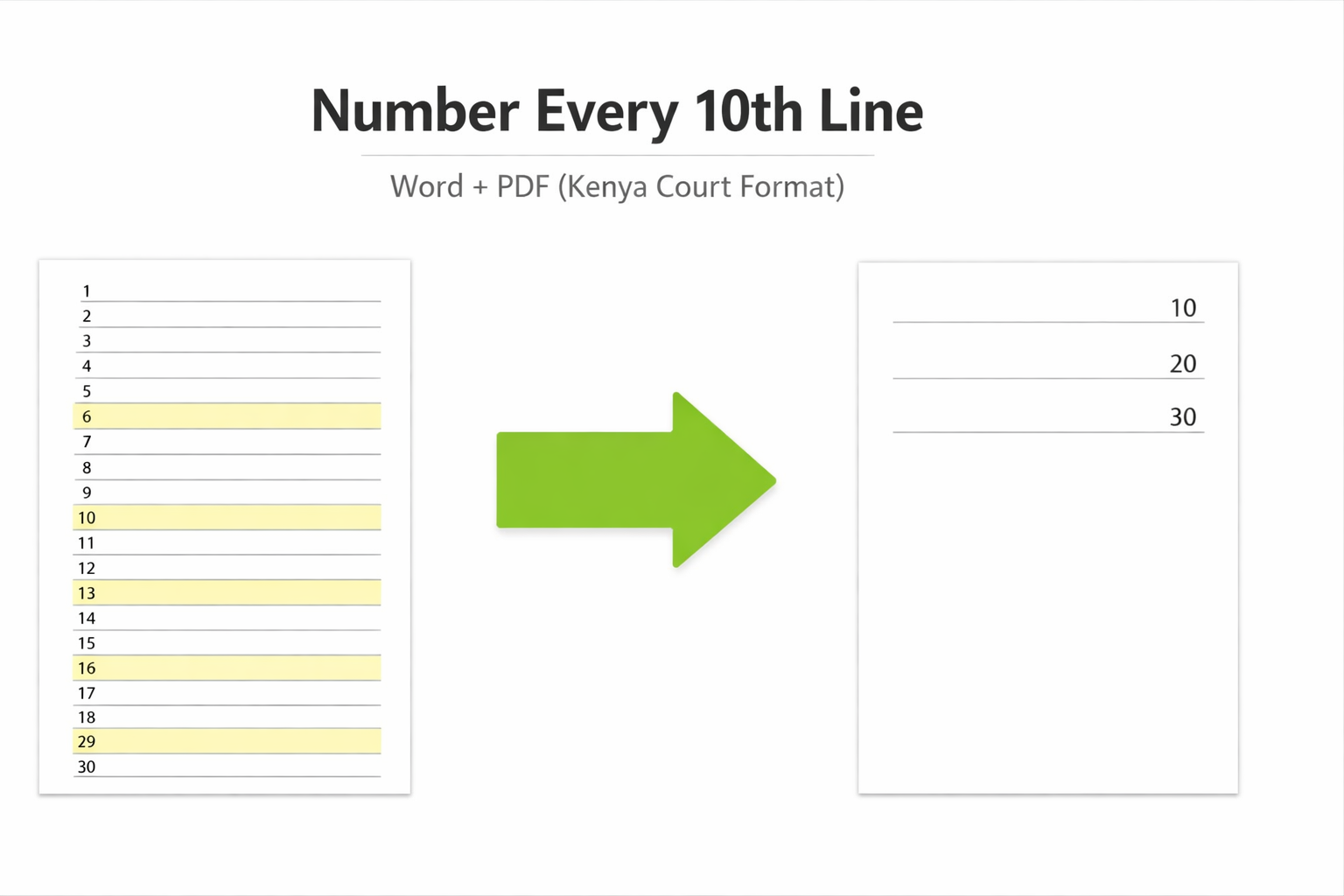
If you have ever had a filing sent back from the Court of Appeal registry, you already know how unforgiving Kenyan appellate courts are about formatting. One of the most commonly missed requirements is tenth-line numbering, and unlike a typo in a heading, it is not something you can fix with a quick note to the registrar.
This guide walks you through exactly how to add tenth-line numbers to your court document, whether you are starting from a Word file or working with a PDF you have already generated. It also covers the rule itself, what it actually requires, and where most people get it wrong.
Why Tenth-Line Numbering is Required in Kenya
The Supreme Court Practice Directions 2020 contain the same requirement. The High Court (Organisation and Administration) Rules are also understood to extend it to High Court filings, though advocates should verify the current applicable rules for any specific High Court matter.
The practical purpose is straightforward: it allows a judge or opposing counsel to say "line 40, page 3" and have everyone in the room find the exact passage instantly. It is a precision tool for oral argument, and the courts treat it accordingly.
How to Do Tenth Lining in Microsoft Word
If your document is still in Word before converting to PDF, this is the fastest route.
Enable Line Numbers
Go to Layout on the top menu, then click Line Numbers, then Line Numbering Options. A dialog box opens. Check the box that says Add line numbering.
Set It to Every 10th Line
In the same dialog, find the field labelled Count by and set it to 10. This tells Word to only display a number at every tenth line rather than numbering every single line. For Numbering, select Restart each page: Kenyan court rules require numbering to restart on each new page, not run continuously through the document.
Push the Numbers to the Right Margin
By default Word places line numbers on the left. Court rules require them on the right-hand margin. Set your right margin to at least 2cm, then under From text in the line numbering dialog, increase the distance until the numbers sit clearly in the margin without overlapping your text.
Export to PDF and Check
Export to PDF using File → Save As → PDF. Open the PDF and scroll through carefully. Word counts every line including blank lines and section breaks, so verify that the numbers appearing in the margin actually fall on lines of text, not on empty space between paragraphs. If they do not align correctly, go back to Word, adjust your paragraph spacing, and re-export.
How to Add Tenth-Line Numbers to an Existing PDF
Most advocates receive documents from clients, lower courts, or co-counsel as finished PDFs. Going back to a Word source is not always possible, and sometimes there is no Word source at all: scanned documents, certified court records, and typed affidavits from other firms all arrive as PDFs.
In those cases, the Word method above does not apply. You need a tool that works directly on the PDF.
Adobe Acrobat Pro has a header and footer function that can add text to page margins, but it does not count lines natively. You would need to place numbers manually page by page, and on a 300-page Record of Appeal that is not a realistic option.
The faster approach is a purpose-built tenth-lining tool. Our free tool at countwordsinpdf.com processes your PDF entirely in your browser (nothing is uploaded to any server) and adds compliant tenth-line numbers and page numbers in one step. It handles text pages, scanned pages, and mixed documents automatically. You get a live preview before you export, so you can verify placement before downloading.
For a scanned document specifically, the tool runs OCR to detect line positions on image-based pages, which is something neither Word nor Acrobat handles without significant manual work.
Common Issues and How to Fix Them
| Problem | Cause | Fix |
|---|---|---|
| Numbers landing on blank lines instead of text | Word counts every line, including empty paragraph breaks. | Reduce spacing between paragraphs using paragraph spacing settings rather than blank lines, then re-export. |
| Numbers appearing on the left instead of the right | Word's default line numbering position is left-margin. | Increase the From text value in the dialog and verify your page layout settings have sufficient right margin. |
| Numbering not restarting on each page | Setting left on Continuous instead of Restart each page. | Return to Line Numbering Options and switch to Restart each page. |
| Scanned pages showing no numbers | Tool only processes text-based pages; scanned pages are images. | Use a tool with built-in OCR support, such as the free tenth-lining tool at countwordsinpdf.com. |